


What is TeamViewer ONE?
TeamViewer ONE enables lean IT teams to shift from reactive support to proactive device management with a single platform that combines remote access, intelligent automation, experience monitoring, and endpoint management. Fix problems before they create tickets, consolidate tools, and prevent issues from escalating. With built-in security and automation, IT teams can resolve problems faster, support hybrid work confidently, and deliver exceptional digital experiences. AI is transforming IT management, empowering even small teams to deliver enterprise-level impact. By automating repetitive tasks, accelerating diagnostics, and enabling predictive insights.
Company Details
Need Assistance?
We're here to help you with understanding our reports and the data inside to help you make decisions.
Get AssistanceTeamViewer ONE Ratings
Real user data aggregated to summarize the product performance and customer experience.
Download the entire Product Scorecard
to access more information on TeamViewer ONE.
Product scores listed below represent current data. This may be different from data contained in reports and awards, which express data as of their publication date.
91 Likeliness to Recommend
97 Plan to Renew
87 Satisfaction of Cost Relative to Value
Emotional Footprint Overview
Product scores listed below represent current data. This may be different from data contained in reports and awards, which express data as of their publication date.
+95 Net Emotional Footprint
The emotional sentiment held by end users of the software based on their experience with the vendor. Responses are captured on an eight-point scale.
How much do users love TeamViewer ONE?
Pros
- Effective Service
- Respectful
- Trustworthy
- Fair
How to read the Emotional Footprint
The Net Emotional Footprint measures high-level user sentiment towards particular product offerings. It aggregates emotional response ratings for various dimensions of the vendor-client relationship and product effectiveness, creating a powerful indicator of overall user feeling toward the vendor and product.
While purchasing decisions shouldn't be based on emotion, it's valuable to know what kind of emotional response the vendor you're considering elicits from their users.
Footprint
Negative
Neutral
Positive
Feature Ratings
Remote Control
Real User Monitoring
Endpoint Backup
Discovery
Network Management
Process Automation
Patch Management
Mobile Device Management
Anti Malware Signature Detection
Ransomware Recovery and Removal
Support for IoT Devices
Vendor Capability Ratings
Ease of Implementation
Business Value Created
Usability and Intuitiveness
Quality of Features
Ease of IT Administration
Breadth of Features
Ease of Data Integration
Product Strategy and Rate of Improvement
Availability and Quality of Training
Vendor Support
Ease of Customization
Also Featured in...
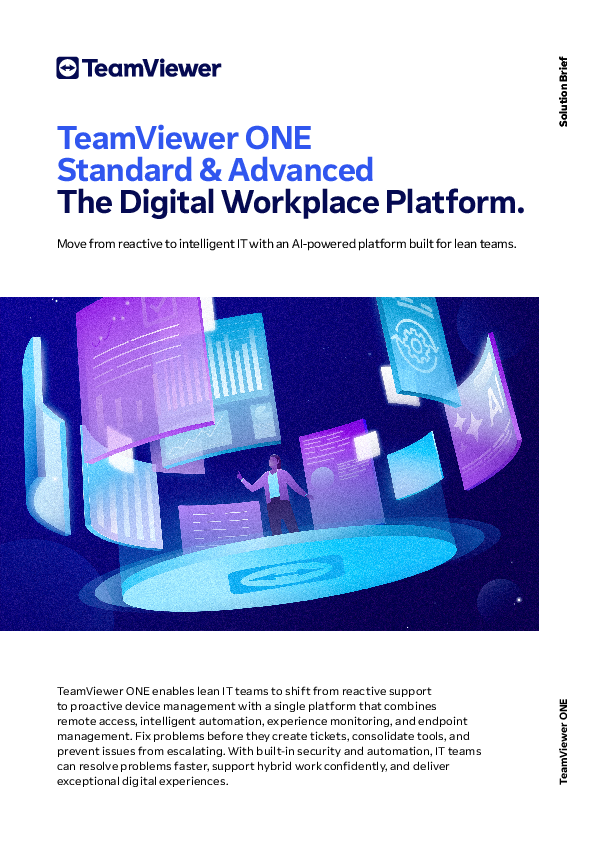
TeamViewer ONE UI 1
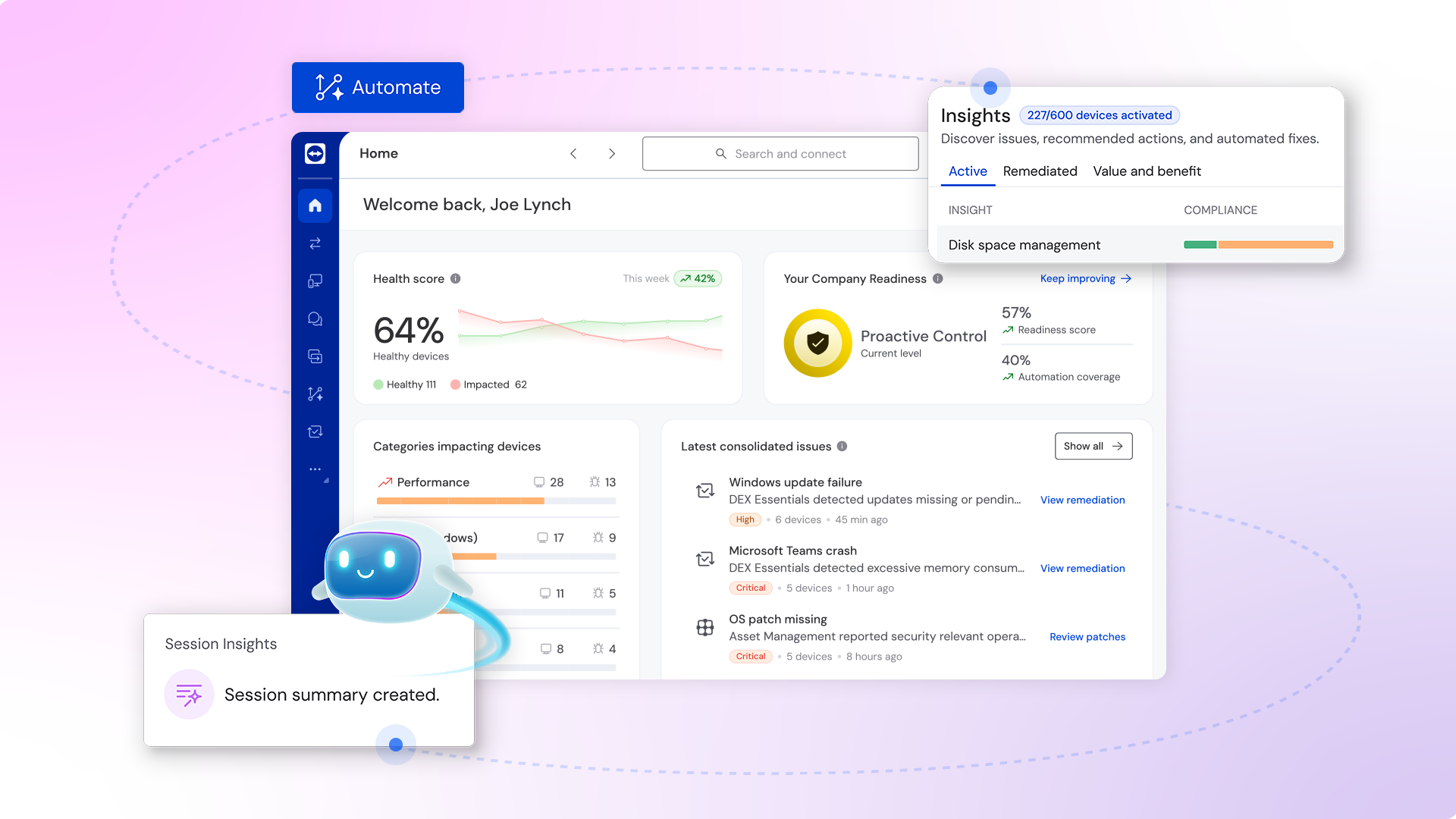
TeamViewer ONE UI 2
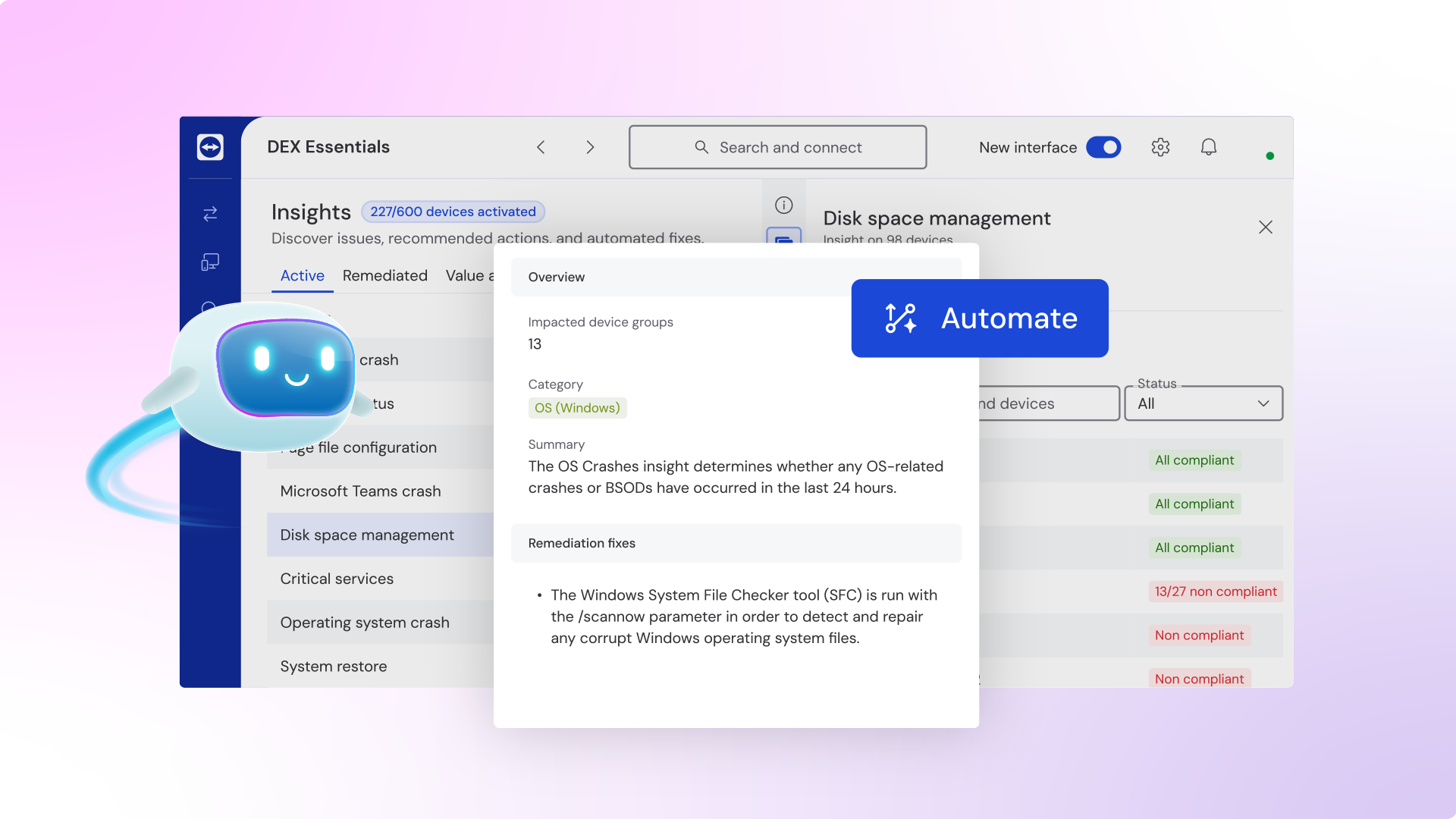
TeamViewer ONE UI 3
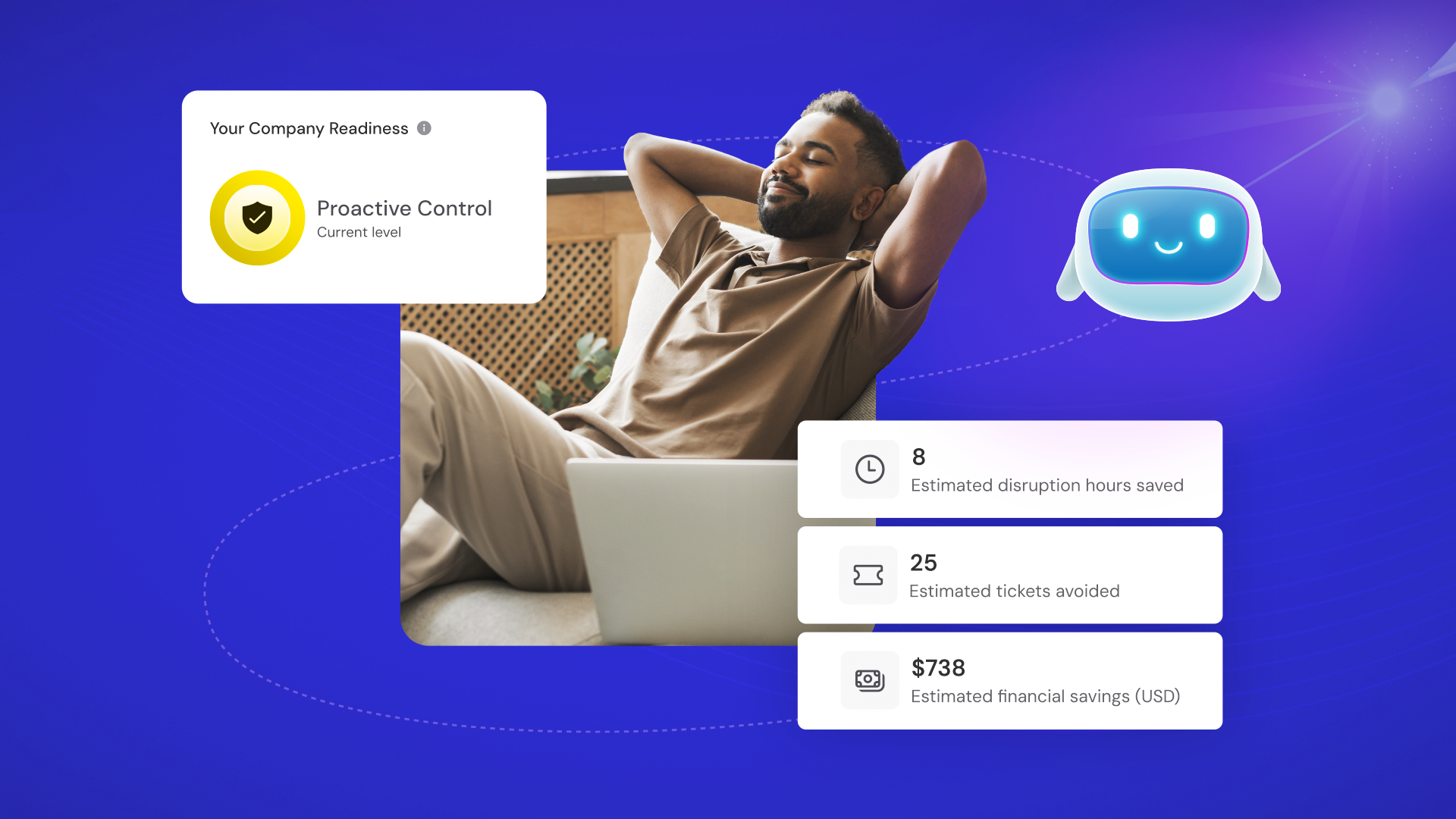
TeamViewer ONE
TeamViewer ONE
TeamViewer ONE Reviews

Vipul G.
- Role: Information Technology
- Industry: Technology
- Involvement: IT Development, Integration, and Administration
Submitted Aug 2022
Amazing remote control tool
Likeliness to Recommend
What differentiates TeamViewer ONE from other similar products?
I have used some other tools like any desk as well but the speed of connecting with the users provided by the TeamViewer is amazing. There is no lag in between the sessions and one can efficiently work on another's PC. The most important thing is that it is so popular that it can also be easily found in clients' systems. It provides many new features than its competitors like team meetings option, augmented reality, etc.
What is your favorite aspect of this product?
My favorite aspect of team viewer is its speed. It doesn't lag in between the sessions (if your internet speed is fast) which makes the session smooth and we can work efficiently. Many other platforms lag in between the work sessions which makes it hard to work remotely. But here the experience is so smooth that it doesn't feel like we are accessing that PC remotely.
What do you dislike most about this product?
I generally use it to solve the coding errors and problems in my colleague's code or workflow. While doing that you have one cursor on the screen and both of the users from either end can use it to navigate which gets really disappointing sometimes. It should highlight do different cursors in different colors so one can easily point them out on the screen like which person is using it.
What recommendations would you give to someone considering this product?
I would definitely recommend this product because of its smooth experience and I would suggest using its voice calling feature as well if you want to communicate with the other person in between the session. This feature is really useful and handy.
Pros
- Reliable
- Performance Enhancing
- Enables Productivity
- Trustworthy
Please tell us why you think this review should be flagged.
Elena G.
- Role: Information Technology
- Industry: Education
- Involvement: End User of Application
Submitted Jul 2022
The Best Remote Management Software
Likeliness to Recommend
What differentiates TeamViewer ONE from other similar products?
TeamViewer Remote Management is unique in its ability to provide complete remote management and control of devices, as well as remote support for end-users. It is also one of the only products on the market that offers a complete solution for managing and controlling mobile devices.
What is your favorite aspect of this product?
There are many aspects of TeamViewer Remote Management that I like, but if I had to choose one it would be the ease of use. I can connect to any remote computer, view its desktop, and control it with my mouse and keyboard as if I were sitting in front of it. I can also transfer files between the remote computer and my own, which is very handy.
What do you dislike most about this product?
There are a few things that I dislike about TeamViewer Remote Management. First, the interface is a bit dated and could use a facelift. Second, I find the pricing to be a bit high for what you get. Lastly, I have had some issues with stability and performance when using TeamViewer on my Mac.
What recommendations would you give to someone considering this product?
There are a few things to consider when thinking about using this software for remote management: 1. Make sure that you have a clear and concise plan for what tasks you need to be able to perform remotely, and what TeamViewer features will enable you to do so. 2. Be sure to test it out thoroughly on your own network before deploying it to manage remote systems - this will help avoid any potential issues. 3. Have a clear understanding of the TeamViewer licensing model before deploying it
Pros
- Helps Innovate
- Reliable
- Performance Enhancing
- Enables Productivity
Please tell us why you think this review should be flagged.
Damiano B.
- Role: Sales Marketing
- Industry: Education
- Involvement: Vendor Selection and Purchasing
Submitted Jul 2022
a vvery useful product!
Likeliness to Recommend
What differentiates TeamViewer ONE from other similar products?
I don't know similiar software
What is your favorite aspect of this product?
The remote support function is the best on the market for me as I have been using it for almost 10 years and I have tried other remote support software also but none of them come close to TeamViewer. The trick in using this safely is having a mechanism to turn it on when you need it, and off when you don’t.
What do you dislike most about this product?
The only thing I dislike about TeamViewer is their backup solution.
What recommendations would you give to someone considering this product?
They will not find an easier Remote support solution.
Pros
- Enables Productivity
- Unique Features
- Caring
- Acts with Integrity
Please tell us why you think this review should be flagged.





Get Instant Access<br>to this Report
Get Instant Access
to this Report
Unlock your first report with just a business email. Register to access our entire library.
© 2026 SoftwareReviews.com. All rights reserved.
