


What is TeamViewer ONE?
TeamViewer ONE helps IT teams get ahead of issues before they become productivity problems. So you can spend less time reacting and more time shaping strategy. Get real-time visibility into endpoints and applications. Detect anomalies earlier, identify root causes faster, and optimize performance before issues impact users.
Company Details
Need Assistance?
We're here to help you with understanding our reports and the data inside to help you make decisions.
Get AssistanceTeamViewer ONE Ratings
Real user data aggregated to summarize the product performance and customer experience.
Download the entire Product Scorecard
to access more information on TeamViewer ONE.
Product scores listed below represent current data. This may be different from data contained in reports and awards, which express data as of their publication date.
91 Likeliness to Recommend
97 Plan to Renew
87 Satisfaction of Cost Relative to Value
Emotional Footprint Overview
Product scores listed below represent current data. This may be different from data contained in reports and awards, which express data as of their publication date.
+95 Net Emotional Footprint
The emotional sentiment held by end users of the software based on their experience with the vendor. Responses are captured on an eight-point scale.
How much do users love TeamViewer ONE?
Pros
- Effective Service
- Respectful
- Transparent
- Trustworthy
How to read the Emotional Footprint
The Net Emotional Footprint measures high-level user sentiment towards particular product offerings. It aggregates emotional response ratings for various dimensions of the vendor-client relationship and product effectiveness, creating a powerful indicator of overall user feeling toward the vendor and product.
While purchasing decisions shouldn't be based on emotion, it's valuable to know what kind of emotional response the vendor you're considering elicits from their users.
Footprint
Negative
Neutral
Positive
Feature Ratings
Remote Control
Real User Monitoring
Endpoint Backup
Discovery
Network Management
Process Automation
Mobile Device Management
Anti Malware Signature Detection
Patch Management
Support for IoT Devices
Ransomware Recovery and Removal
Vendor Capability Ratings
Ease of Implementation
Business Value Created
Usability and Intuitiveness
Quality of Features
Ease of IT Administration
Breadth of Features
Ease of Data Integration
Product Strategy and Rate of Improvement
Availability and Quality of Training
Vendor Support
Ease of Customization
Also Featured in...
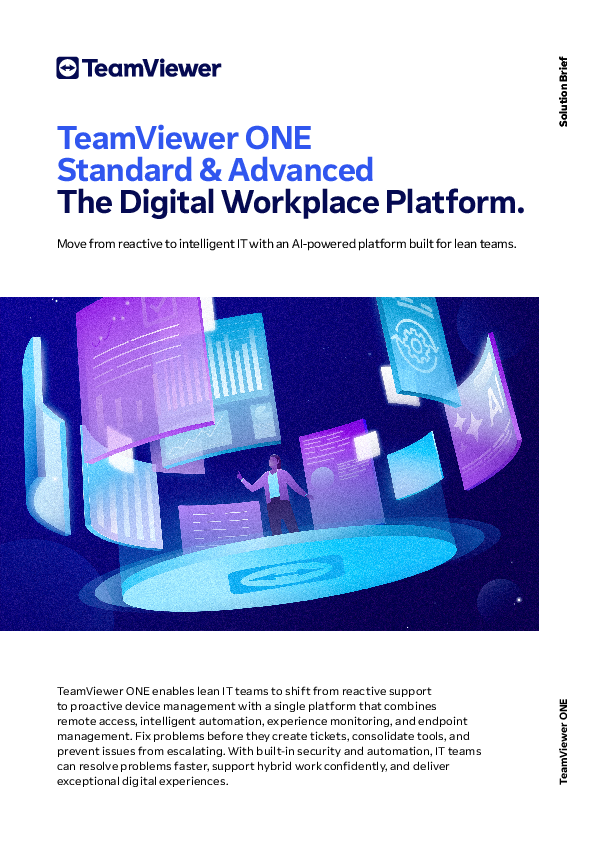
TeamViewer ONE UI 1
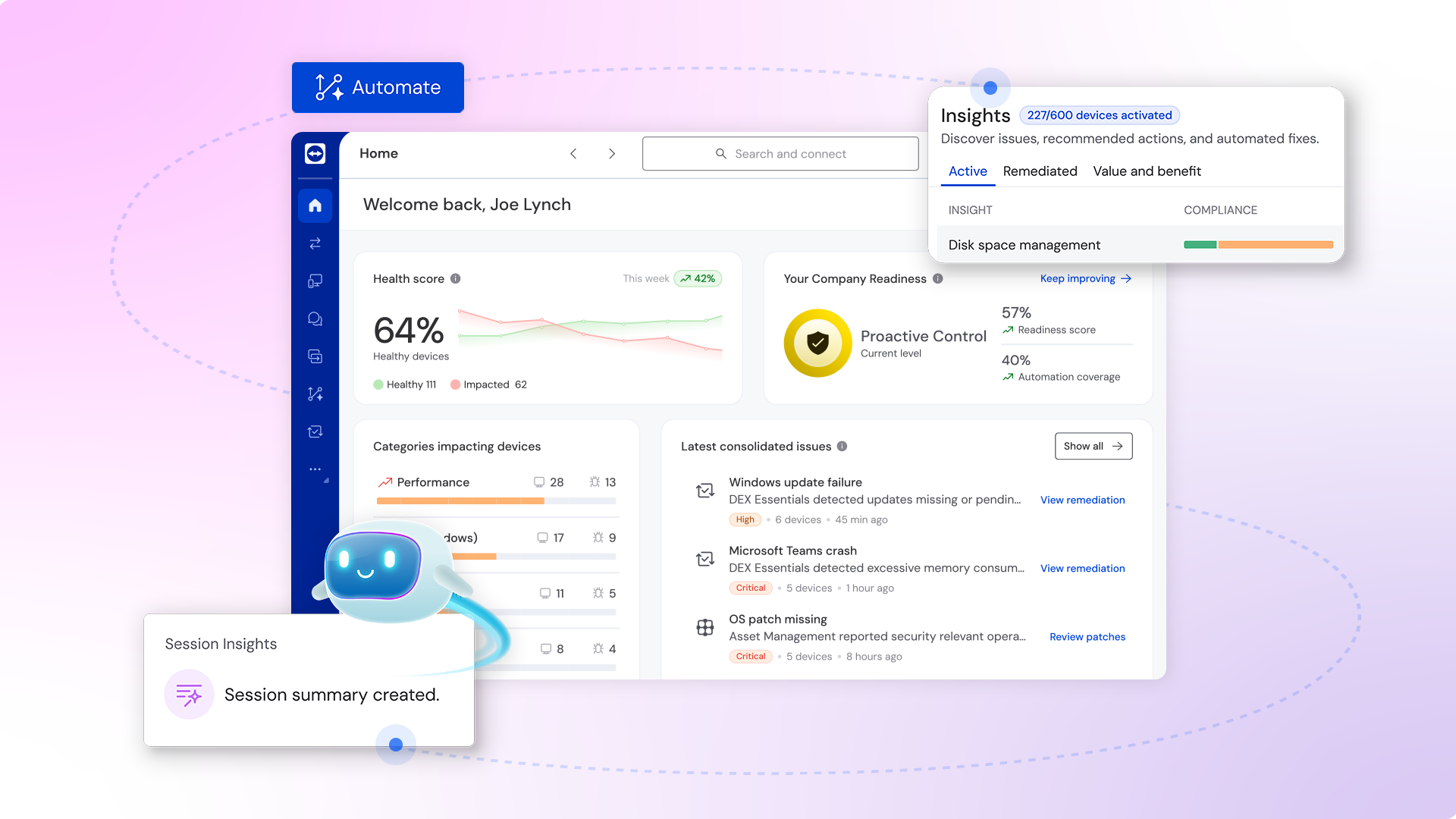
TeamViewer ONE UI 2
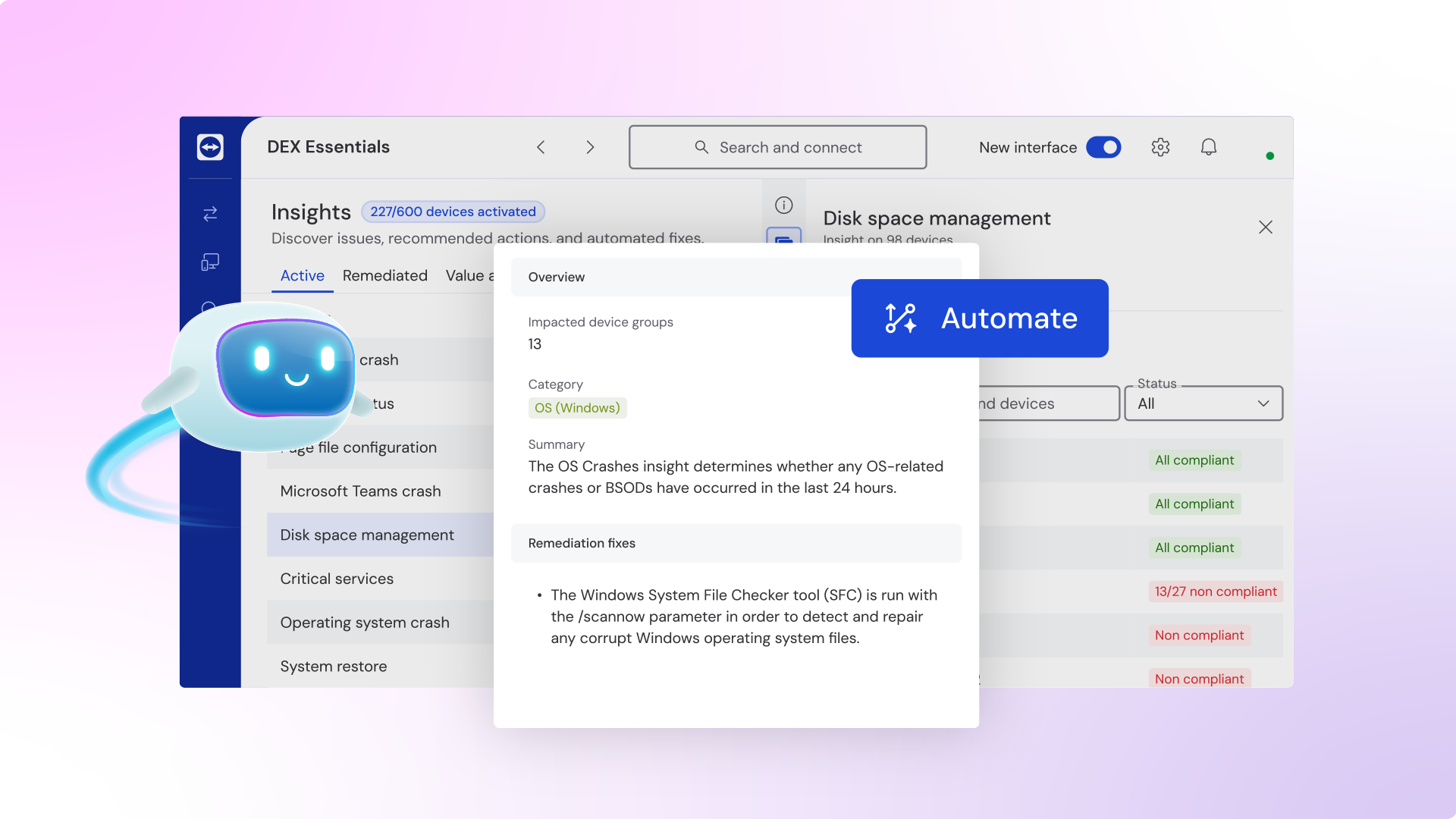
TeamViewer ONE UI 3
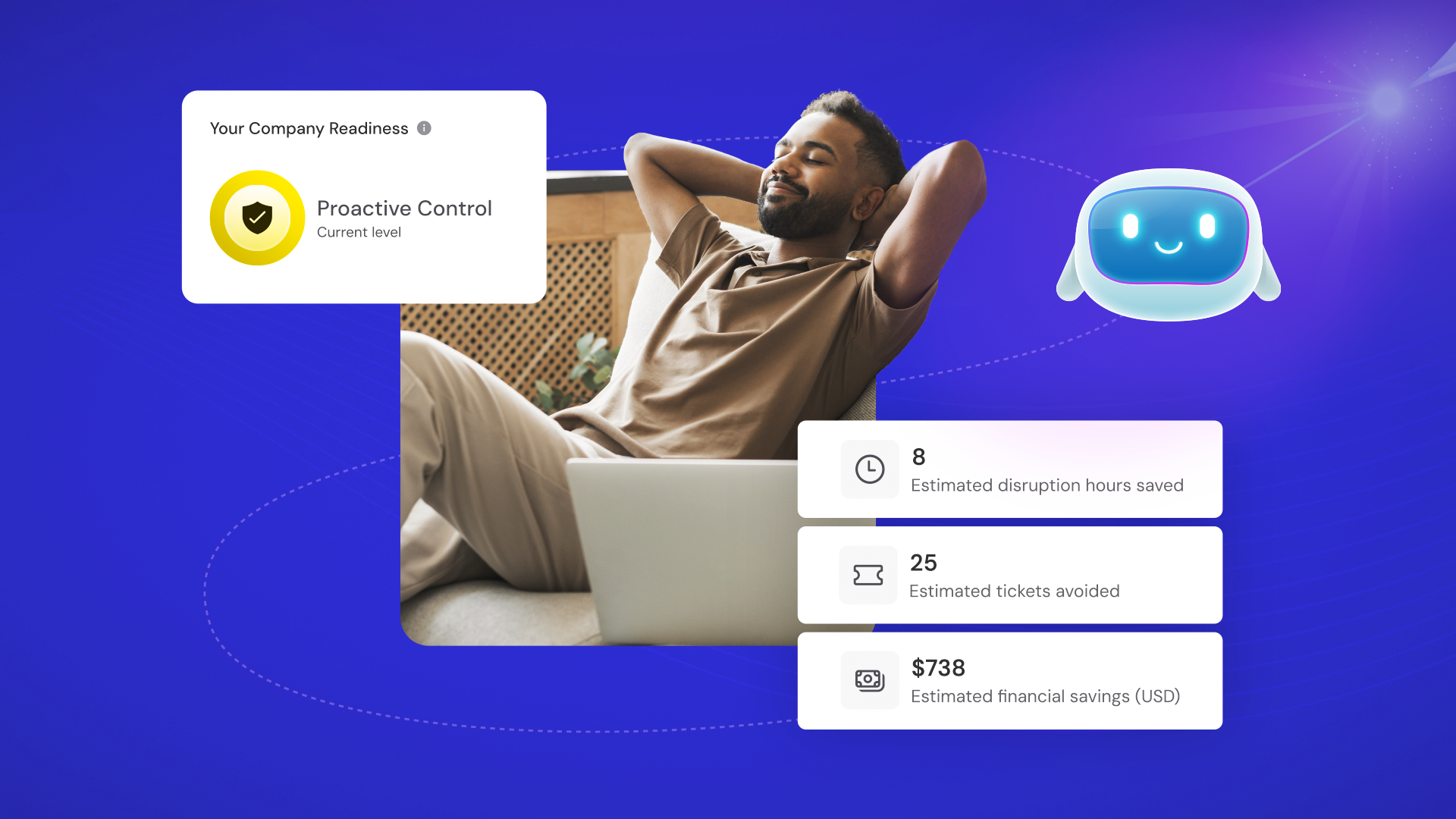
TeamViewer ONE
TeamViewer ONE
See what's New in TeamViewer Remote
Digital Transformation in F1: Inside the Mercedes-AMG PETRONAS Factory
TeamViewer ONE Reviews
- Role: Information Technology
- Industry: Technology
- Involvement: End User of Application
Submitted Jun 2026
Favorite with remote support and control
Likeliness to Recommend
Pros
- Helps Innovate
- Continually Improving Product
- Reliable
- Performance Enhancing
Please tell us why you think this review should be flagged.

Tanya j.
- Role: Information Technology
- Industry: Other
- Involvement: End User of Application
Submitted Jun 2026
A Powerful Platform for Modern IT Teams
Likeliness to Recommend
What differentiates TeamViewer ONE from other similar products?
The key differentiator is built-in Digital Employee Experience (DEX) capability. Many competitors focus primarily on remote access or device management, whereas TeamViewer ONE also measure how employees experience application and devices, helping IT teams identify and resolve issues before users report them. And from an engineering And IT operations perspective, the biggest advantage is consolidation.
What is your favorite aspect of this product?
If I had pick one thing then, I would be the simplicity that comes from having everything in one place. And my favorite aspect is how it helps IT teams work more efficiently. The combination of automation, monitoring, and remote support reduces a lot of repetitive manual work.
What do you dislike most about this product?
The aspect that I find less appealing is that some of the platform’s advanced capabilities may be underutilized depending on the size and needs of the organization. And I also think that initial setup and configuration process can require careful planning.
What recommendations would you give to someone considering this product?
The recommendation is to involve both technical and operational stakeholders early in the evaluation process. While IT administration and engineers may focus on technical capabilities, manager and support teams often have different priorities, such as reporting, usability, and overall productivity improvement. And I would also recommend taking advantage of any trial period, product demonstration, or proof-of-concept opportunity that is available.
Pros
- Helps Innovate
- Enables Productivity
- Effective Service
- Respectful
Please tell us why you think this review should be flagged.

Rakesh Kumar A.
- Role: Sales Marketing
- Industry: Technology
- Involvement: Vendor Selection and Purchasing
Submitted Dec 2025
An excellent solution for the remote management
Likeliness to Recommend
What differentiates TeamViewer ONE from other similar products?
User-friendly interface: its intuitive design makes it easy for even novice users to get to grips with TeamViewer. Rich functionality: Offers a wide range of features for both home and corporate users, covering diverse support and collaboration needs. Reliable performance: Ensures stable connections and smooth transmission, even over low-bandwidth networks.
What is your favorite aspect of this product?
Ease of access and stability of connection. It also allows two audio communication over the connection session. TeamViewer has some excellent customisable deployment methods in MSI format, we can be deployed en masse to your fleet, linking them to your corporate account for ease of management.
What do you dislike most about this product?
Has a few quirks, especially as it related to assigning unattended access, but this does work providing you are logged onto the target computer as a local administrator.
What recommendations would you give to someone considering this product?
It is an amazing tool to share desktop access to team members to help debug issues and also to share information. Easy to access remote desktops and control it for work.
Pros
- Reliable
- Performance Enhancing
- Enables Productivity
- Caring
Please tell us why you think this review should be flagged.





Get Instant Access<br>to this Report
Get Instant Access
to this Report
Unlock your first report with just a business email. Register to access our entire library.
© 2026 SoftwareReviews.com. All rights reserved.
