


What is TeamViewer ONE?
TeamViewer ONE helps IT teams get ahead of issues before they become productivity problems. So you can spend less time reacting and more time shaping strategy. Get real-time visibility into endpoints and applications. Detect anomalies earlier, identify root causes faster, and optimize performance before issues impact users.
Company Details
Need Assistance?
We're here to help you with understanding our reports and the data inside to help you make decisions.
Get AssistanceTeamViewer ONE Ratings
Real user data aggregated to summarize the product performance and customer experience.
Download the entire Product Scorecard
to access more information on TeamViewer ONE.
Product scores listed below represent current data. This may be different from data contained in reports and awards, which express data as of their publication date.
91 Likeliness to Recommend
97 Plan to Renew
87 Satisfaction of Cost Relative to Value
Emotional Footprint Overview
Product scores listed below represent current data. This may be different from data contained in reports and awards, which express data as of their publication date.
+95 Net Emotional Footprint
The emotional sentiment held by end users of the software based on their experience with the vendor. Responses are captured on an eight-point scale.
How much do users love TeamViewer ONE?
Pros
- Effective Service
- Respectful
- Transparent
- Trustworthy
How to read the Emotional Footprint
The Net Emotional Footprint measures high-level user sentiment towards particular product offerings. It aggregates emotional response ratings for various dimensions of the vendor-client relationship and product effectiveness, creating a powerful indicator of overall user feeling toward the vendor and product.
While purchasing decisions shouldn't be based on emotion, it's valuable to know what kind of emotional response the vendor you're considering elicits from their users.
Footprint
Negative
Neutral
Positive
Feature Ratings
Remote Control
Real User Monitoring
Endpoint Backup
Discovery
Network Management
Process Automation
Mobile Device Management
Anti Malware Signature Detection
Patch Management
Support for IoT Devices
Ransomware Recovery and Removal
Vendor Capability Ratings
Ease of Implementation
Business Value Created
Usability and Intuitiveness
Quality of Features
Ease of IT Administration
Breadth of Features
Ease of Data Integration
Product Strategy and Rate of Improvement
Availability and Quality of Training
Vendor Support
Ease of Customization
Also Featured in...
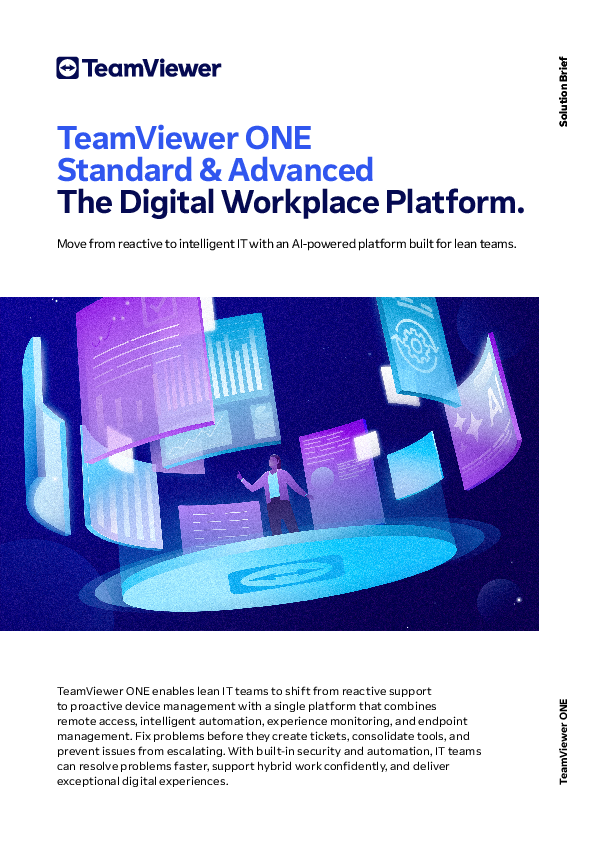
TeamViewer ONE UI 1
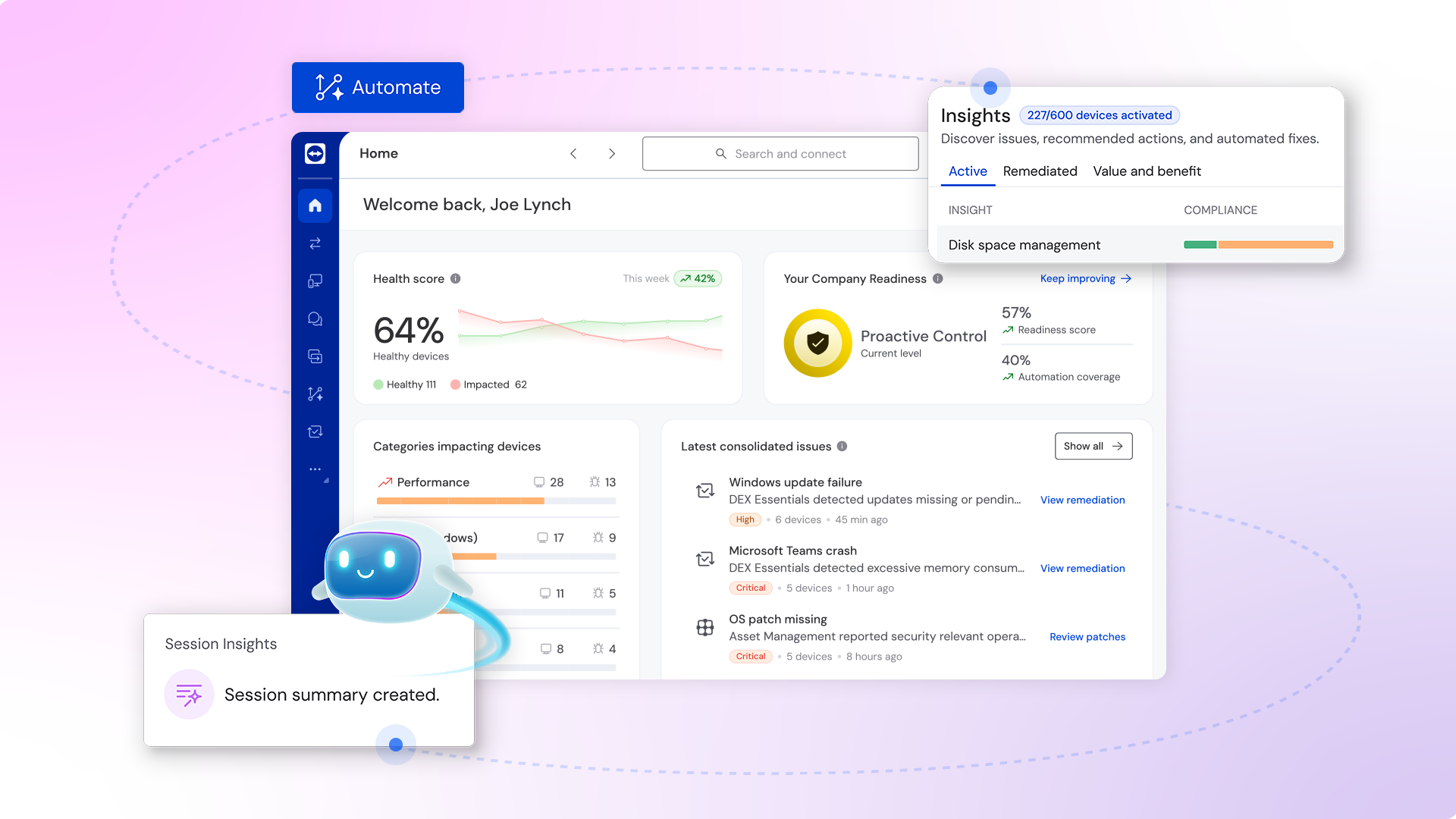
TeamViewer ONE UI 2
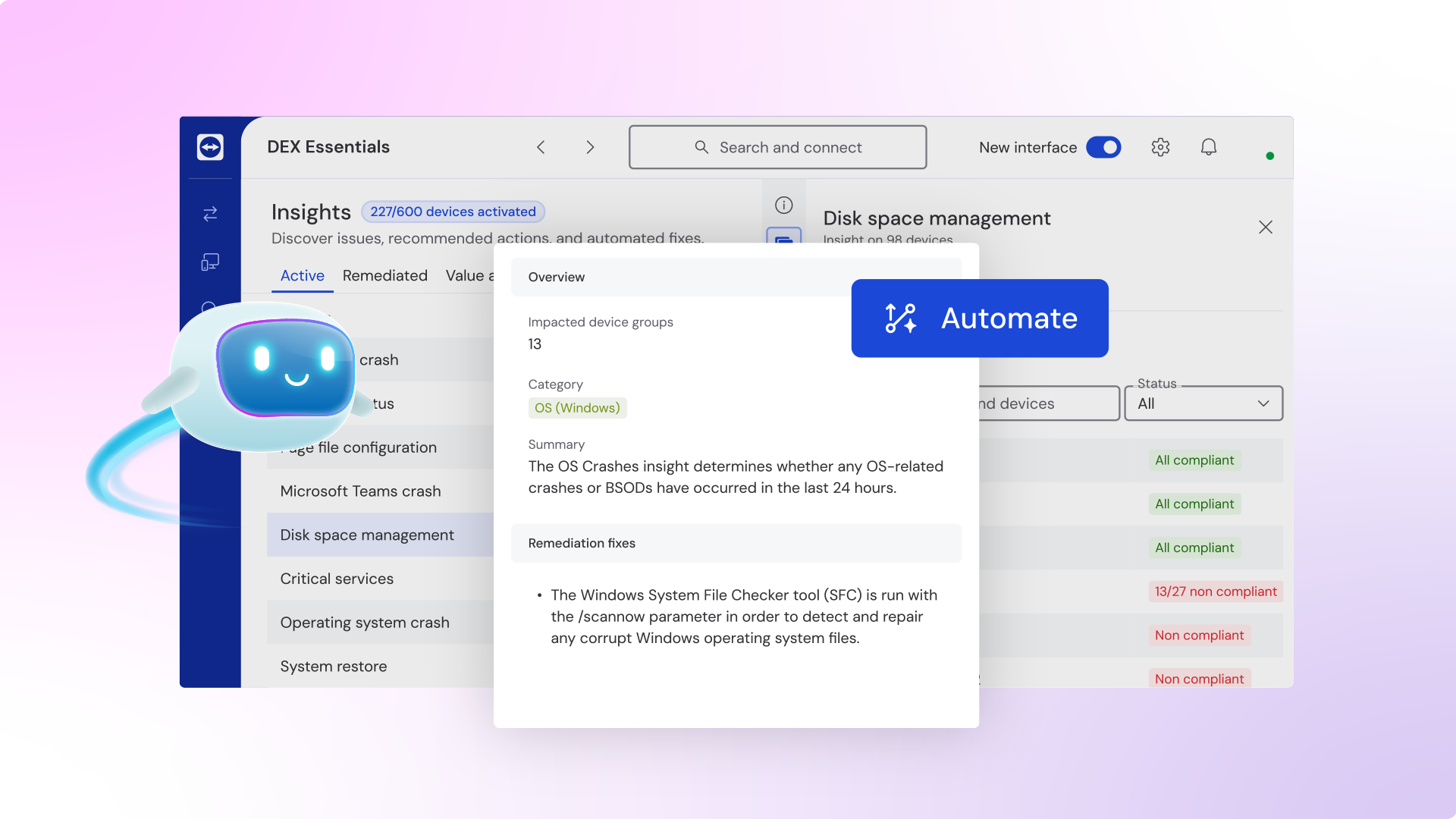
TeamViewer ONE UI 3
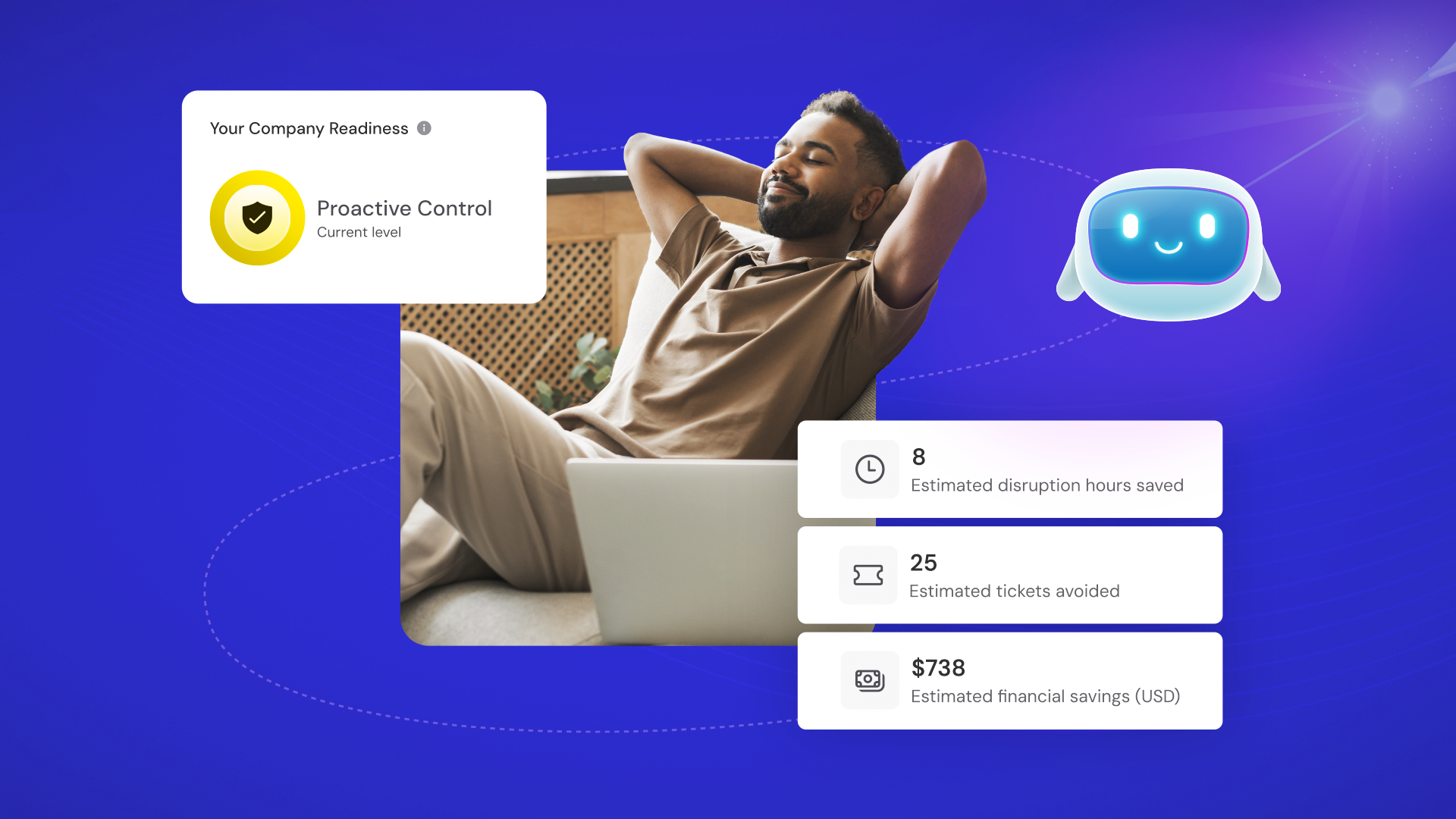
TeamViewer ONE
TeamViewer ONE
See what's New in TeamViewer Remote
Digital Transformation in F1: Inside the Mercedes-AMG PETRONAS Factory
TeamViewer ONE Reviews
Karen M.
- Role: Student Academic
- Industry: Education
- Involvement: End User of Application
Submitted Dec 2025
Reliable remote support for our journal team.
Likeliness to Recommend
What differentiates TeamViewer ONE from other similar products?
TeamViewer Remote lets me guide editors and reviewers on-screen, not having to explain complex steps by email or screenshots.
What is your favorite aspect of this product?
I enjoy the ability to jump onto a colleague's desktop and in real time fix layout or submission issues, or to share control without extensive back-and-forth instructions.
What do you dislike most about this product?
I dislike how heavy it feels on slow connections, and some of my less-technical colleagues still get nervous about granting full remote access to.
What recommendations would you give to someone considering this product?
I would recommend establishing clear rules regarding when one needs to employ remote sessions, practicing within a small group first, and, of course, commenting on one's actions as one clicks.
Pros
- Helps Innovate
- Continually Improving Product
- Reliable
- Performance Enhancing
Please tell us why you think this review should be flagged.

Nick B.
- Role: Information Technology
- Industry: Technology
- Involvement: IT Development, Integration, and Administration
Submitted Nov 2025
Perfect tool for remote management
Likeliness to Recommend
What differentiates TeamViewer ONE from other similar products?
The strong security standards are maintained from the very beginning. Remarkably reliable when attending long sessions and smoothly manages every remote device from a single dashboard. Updating the system is no stress as it reconnects automatically afterwards.
What is your favorite aspect of this product?
I like that it works incredibly fast to connect even when I have a slow home network. Along with this, it also encrypts all connections, so I have this belief that my sessions are secure. I also appreciate how consistently it works, and its performance optimization settings keep the sessions running smoothly in all conditions.
What do you dislike most about this product?
It automatically reconnects whenever system updates happen, but I have seen that large updates require restarting the agent.
What recommendations would you give to someone considering this product?
A must-have tool for it reduces downtime, supports multiple OS, and easily manages file transfers. You would love the automatic reconnection feature and the intuitive interface for sure.
Pros
- Helps Innovate
- Reliable
- Enables Productivity
- Unique Features
Please tell us why you think this review should be flagged.

Jorge C.
- Role: Student Academic
- Industry: Technology
- Involvement: End User of Application
Submitted Nov 2025
Great remote access tool!
Likeliness to Recommend
What differentiates TeamViewer ONE from other similar products?
Its corporate-level security features and its integration with other tools in the corporate environment.
What is your favorite aspect of this product?
The robustness of the tool and its corporate-level security features make it a good candidate.
What do you dislike most about this product?
The absence of certain features that contribute to team collaboration, security policy enforcement, patch management, etc.
What recommendations would you give to someone considering this product?
improvement of a collaborative environment, personalisation of customers and better development of access policies.
Pros
- Helps Innovate
- Continually Improving Product
- Reliable
- Performance Enhancing
Please tell us why you think this review should be flagged.





Get Instant Access<br>to this Report
Get Instant Access
to this Report
Unlock your first report with just a business email. Register to access our entire library.
© 2026 SoftwareReviews.com. All rights reserved.
