


What is TeamViewer ONE?
TeamViewer ONE helps IT teams get ahead of issues before they become productivity problems. So you can spend less time reacting and more time shaping strategy. Get real-time visibility into endpoints and applications. Detect anomalies earlier, identify root causes faster, and optimize performance before issues impact users.
Company Details
Need Assistance?
We're here to help you with understanding our reports and the data inside to help you make decisions.
Get AssistanceTeamViewer ONE Ratings
Real user data aggregated to summarize the product performance and customer experience.
Download the entire Product Scorecard
to access more information on TeamViewer ONE.
Product scores listed below represent current data. This may be different from data contained in reports and awards, which express data as of their publication date.
91 Likeliness to Recommend
97 Plan to Renew
87 Satisfaction of Cost Relative to Value
Emotional Footprint Overview
Product scores listed below represent current data. This may be different from data contained in reports and awards, which express data as of their publication date.
+95 Net Emotional Footprint
The emotional sentiment held by end users of the software based on their experience with the vendor. Responses are captured on an eight-point scale.
How much do users love TeamViewer ONE?
Pros
- Effective Service
- Respectful
- Transparent
- Trustworthy
How to read the Emotional Footprint
The Net Emotional Footprint measures high-level user sentiment towards particular product offerings. It aggregates emotional response ratings for various dimensions of the vendor-client relationship and product effectiveness, creating a powerful indicator of overall user feeling toward the vendor and product.
While purchasing decisions shouldn't be based on emotion, it's valuable to know what kind of emotional response the vendor you're considering elicits from their users.
Footprint
Negative
Neutral
Positive
Feature Ratings
Remote Control
Real User Monitoring
Endpoint Backup
Discovery
Network Management
Process Automation
Mobile Device Management
Anti Malware Signature Detection
Patch Management
Support for IoT Devices
Ransomware Recovery and Removal
Vendor Capability Ratings
Ease of Implementation
Business Value Created
Usability and Intuitiveness
Quality of Features
Ease of IT Administration
Breadth of Features
Ease of Data Integration
Product Strategy and Rate of Improvement
Availability and Quality of Training
Vendor Support
Ease of Customization
Also Featured in...
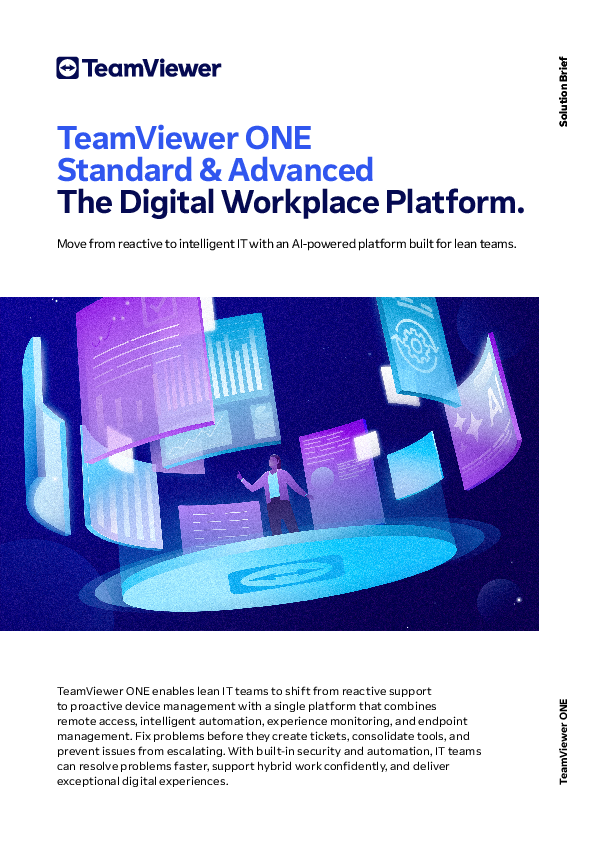
TeamViewer ONE UI 1
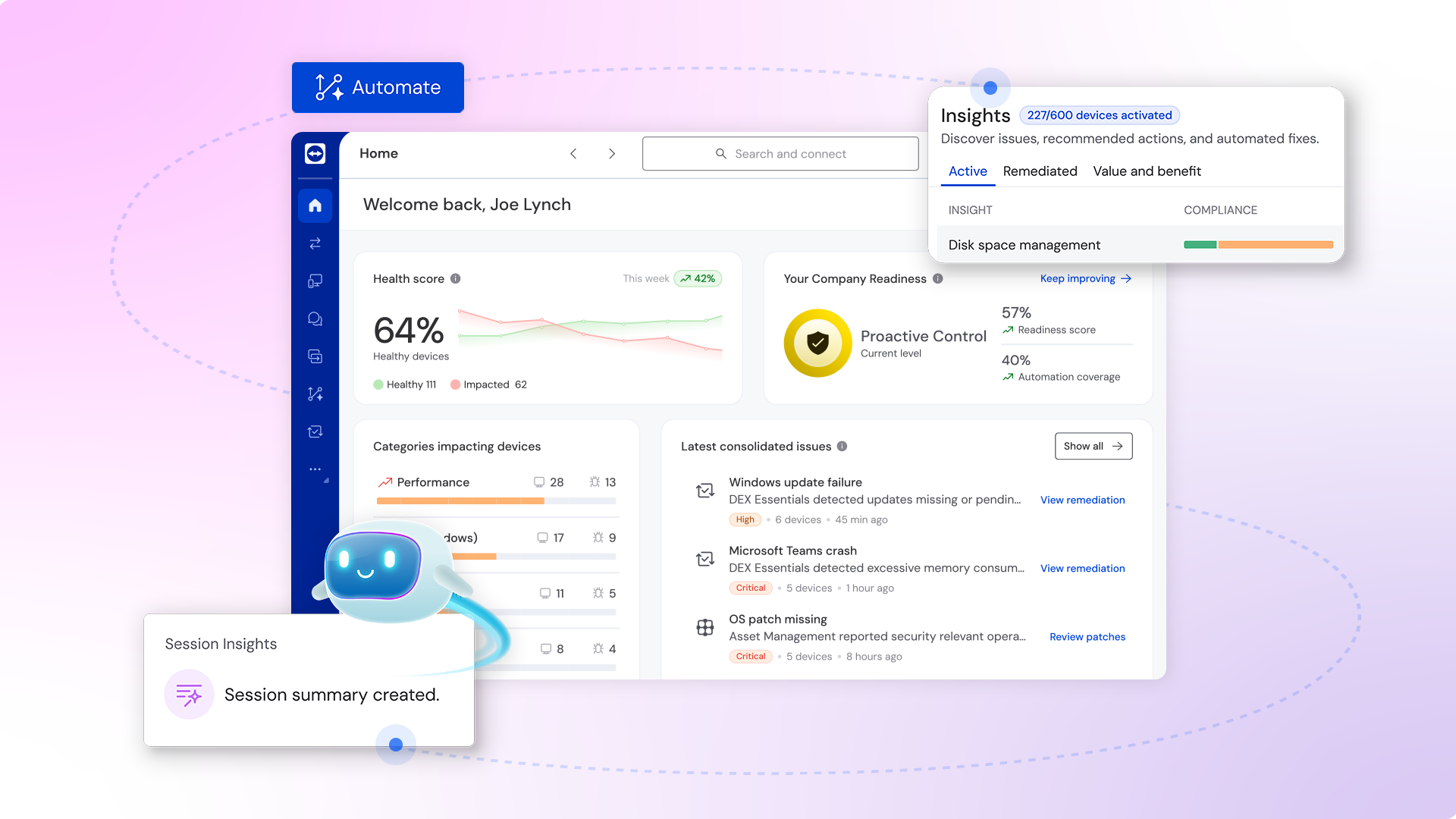
TeamViewer ONE UI 2
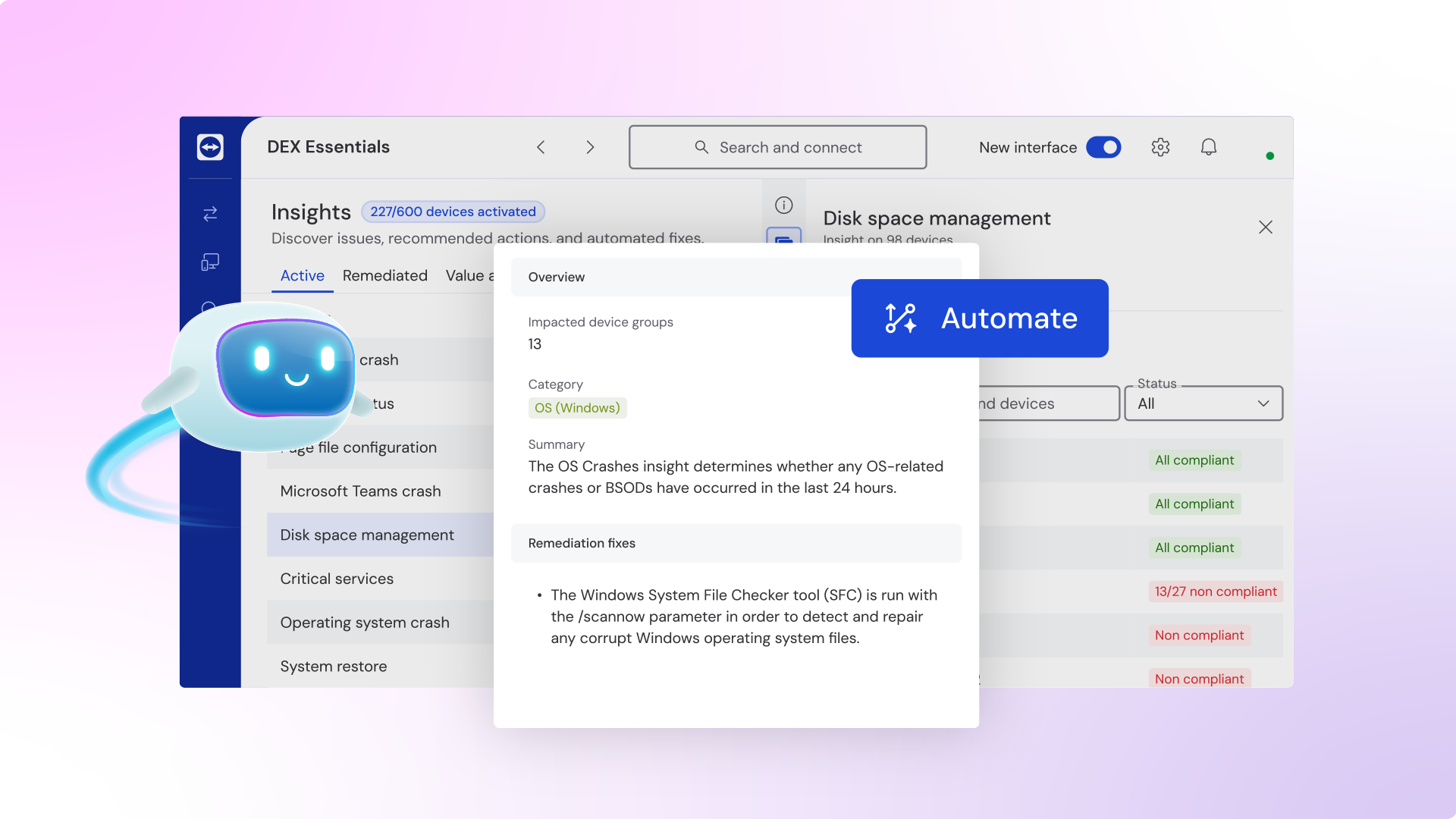
TeamViewer ONE UI 3
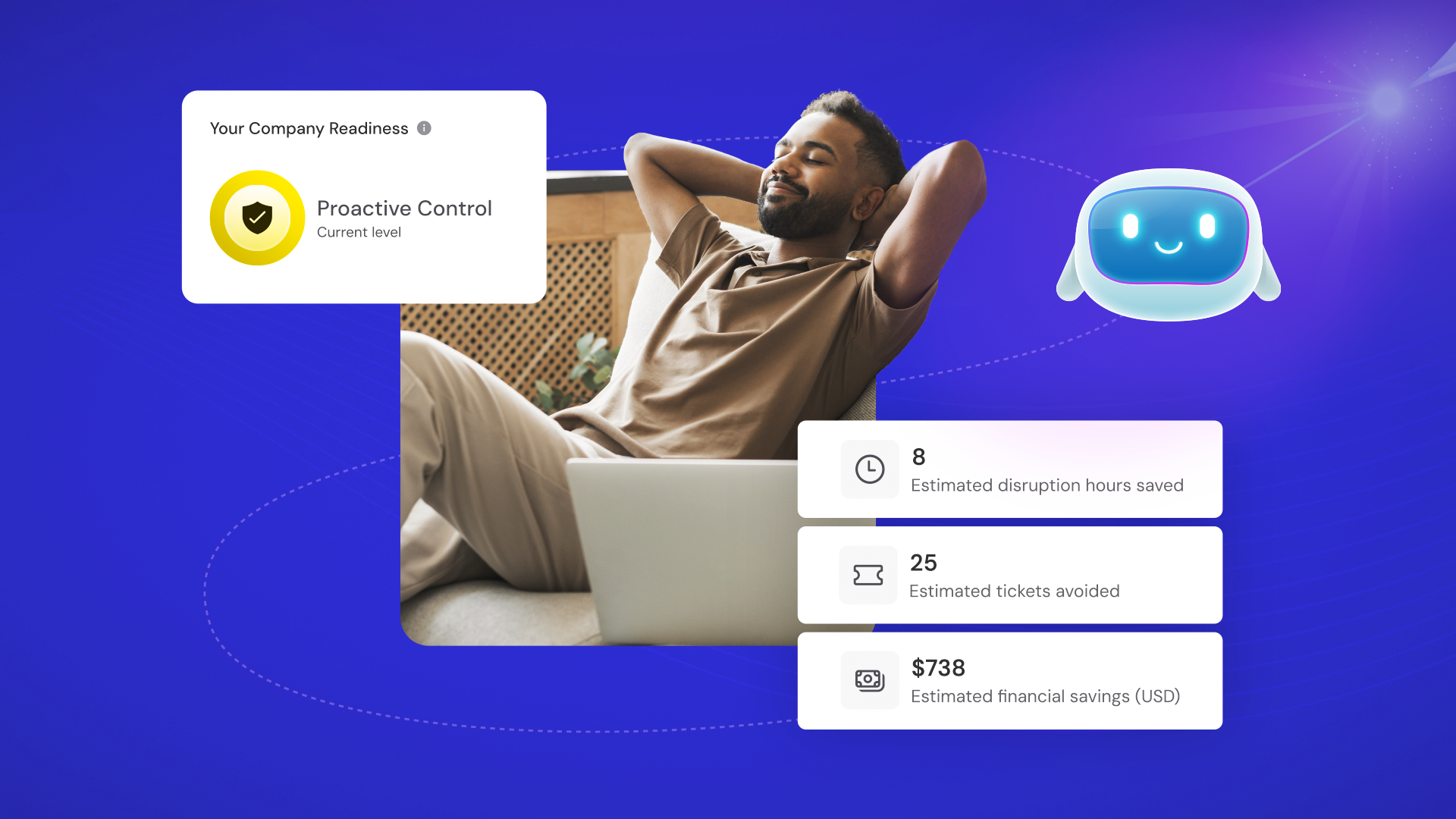
TeamViewer ONE
TeamViewer ONE
See what's New in TeamViewer Remote
Digital Transformation in F1: Inside the Mercedes-AMG PETRONAS Factory
TeamViewer ONE Reviews
Mohamed A.
- Role: C-Level
- Industry: Technology
- Involvement: Business Leader or Manager
Submitted Oct 2025
A great tool which saves not only time but failure
Likeliness to Recommend
What differentiates TeamViewer ONE from other similar products?
The broader view
What is your favorite aspect of this product?
Quick access to all other screens in the remote network
What do you dislike most about this product?
The limitation of free version
What recommendations would you give to someone considering this product?
Access anywhere from anywhere
Pros
- Helps Innovate
- Reliable
- Performance Enhancing
- Enables Productivity
Please tell us why you think this review should be flagged.

Sunny K.
- Role: Industry Specific Role
- Industry: Telecommunications
- Involvement: End User of Application
Submitted Sep 2025
Feature Rich and Reliable
Likeliness to Recommend
What differentiates TeamViewer ONE from other similar products?
TeamViewer Remote stands out from similar products with its broad device compatibility, strong enterprise-grade security, global reliability, and advanced features like unattended access & integrations.
What is your favorite aspect of this product?
My favorite aspect of TeamViewer Remote is its ability to connect seamlessly across almost any device or platform, with strong security and reliable performance, it just works whether you’re supporting a PC, mobile, or even IoT device.
What do you dislike most about this product?
Another big drawback is that performance can suffer in low-bandwidth or high-latency networks - lag, delays, or screen stutters become noticeable.
What recommendations would you give to someone considering this product?
I’d recommend trying the free trial first, checking if its features match your needs, and comparing plans carefully.
Pros
- Reliable
- Performance Enhancing
- Enables Productivity
- Unique Features
Please tell us why you think this review should be flagged.
Patrick B.
- Role: Information Technology
- Industry: Consulting
- Involvement: IT Leader or Manager
Submitted Jul 2025
Love teamviewer and its support
Likeliness to Recommend
What differentiates TeamViewer ONE from other similar products?
Clear pricing model and support
What is your favorite aspect of this product?
Great remote control features
What do you dislike most about this product?
Sometimes file transfers take a long time but could be other factors at play
What recommendations would you give to someone considering this product?
Chat with sales to get a cost deal
Pros
- Helps Innovate
- Inspires Innovation
- Transparent
- Includes Product Enhancements
Please tell us why you think this review should be flagged.





Get Instant Access<br>to this Report
Get Instant Access
to this Report
Unlock your first report with just a business email. Register to access our entire library.
© 2026 SoftwareReviews.com. All rights reserved.
