


What is TeamViewer ONE?
TeamViewer ONE helps IT teams get ahead of issues before they become productivity problems. So you can spend less time reacting and more time shaping strategy. Get real-time visibility into endpoints and applications. Detect anomalies earlier, identify root causes faster, and optimize performance before issues impact users.
Company Details
Need Assistance?
We're here to help you with understanding our reports and the data inside to help you make decisions.
Get AssistanceTeamViewer ONE Ratings
Real user data aggregated to summarize the product performance and customer experience.
Download the entire Product Scorecard
to access more information on TeamViewer ONE.
Product scores listed below represent current data. This may be different from data contained in reports and awards, which express data as of their publication date.
91 Likeliness to Recommend
97 Plan to Renew
87 Satisfaction of Cost Relative to Value
Emotional Footprint Overview
Product scores listed below represent current data. This may be different from data contained in reports and awards, which express data as of their publication date.
+95 Net Emotional Footprint
The emotional sentiment held by end users of the software based on their experience with the vendor. Responses are captured on an eight-point scale.
How much do users love TeamViewer ONE?
Pros
- Effective Service
- Respectful
- Transparent
- Trustworthy
How to read the Emotional Footprint
The Net Emotional Footprint measures high-level user sentiment towards particular product offerings. It aggregates emotional response ratings for various dimensions of the vendor-client relationship and product effectiveness, creating a powerful indicator of overall user feeling toward the vendor and product.
While purchasing decisions shouldn't be based on emotion, it's valuable to know what kind of emotional response the vendor you're considering elicits from their users.
Footprint
Negative
Neutral
Positive
Feature Ratings
Remote Control
Real User Monitoring
Endpoint Backup
Discovery
Network Management
Process Automation
Mobile Device Management
Anti Malware Signature Detection
Patch Management
Support for IoT Devices
Ransomware Recovery and Removal
Vendor Capability Ratings
Ease of Implementation
Business Value Created
Usability and Intuitiveness
Quality of Features
Ease of IT Administration
Breadth of Features
Ease of Data Integration
Product Strategy and Rate of Improvement
Availability and Quality of Training
Vendor Support
Ease of Customization
Also Featured in...
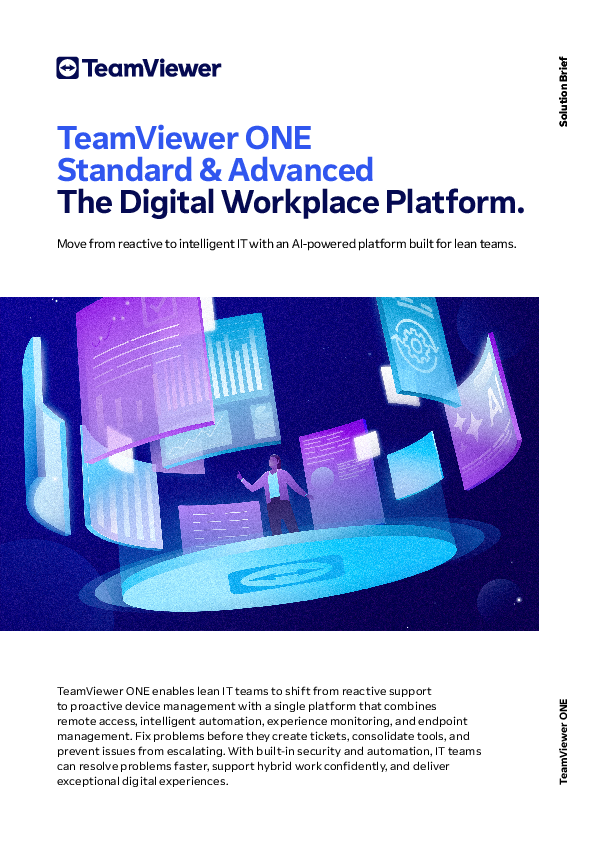
TeamViewer ONE UI 1
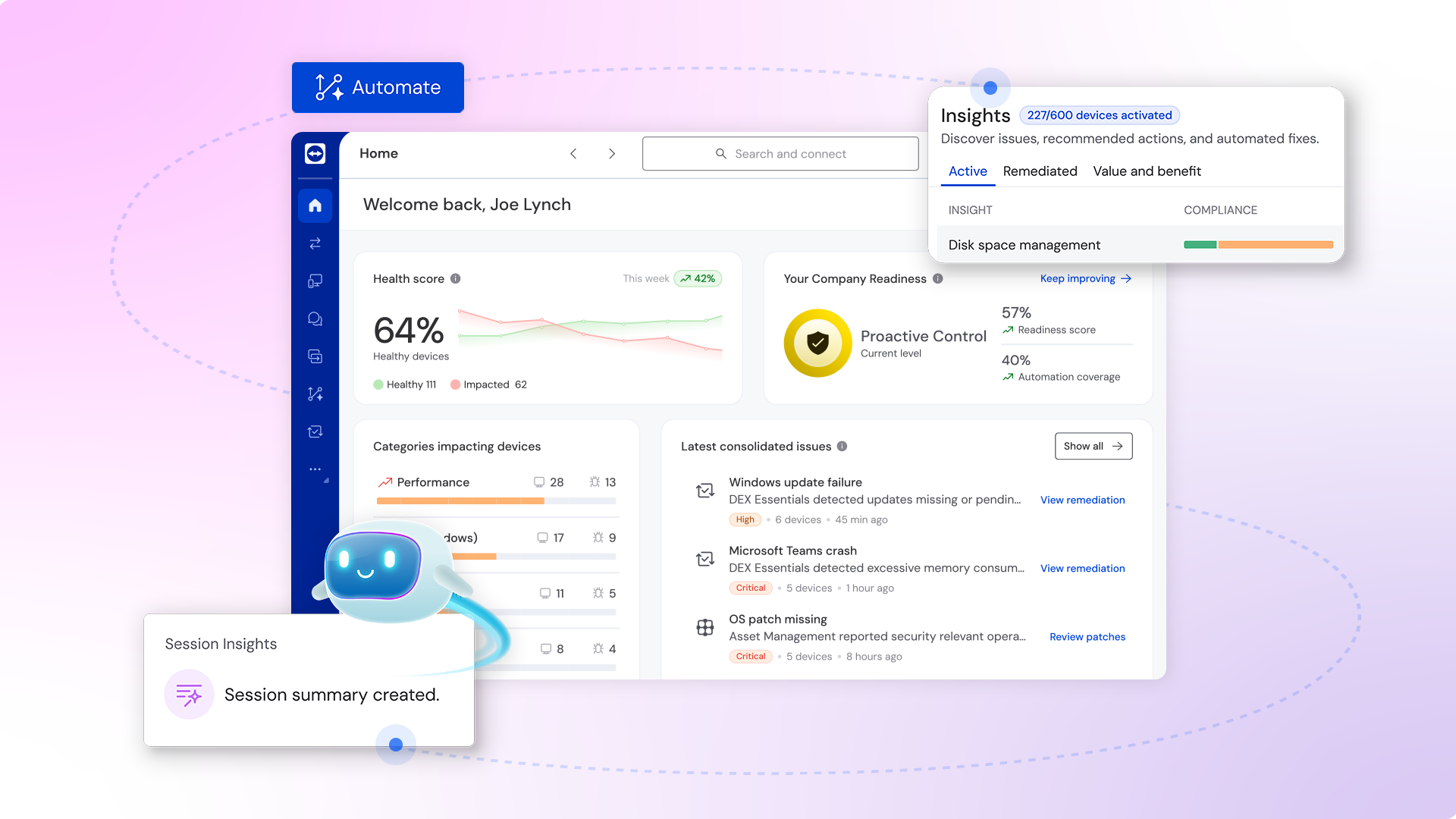
TeamViewer ONE UI 2
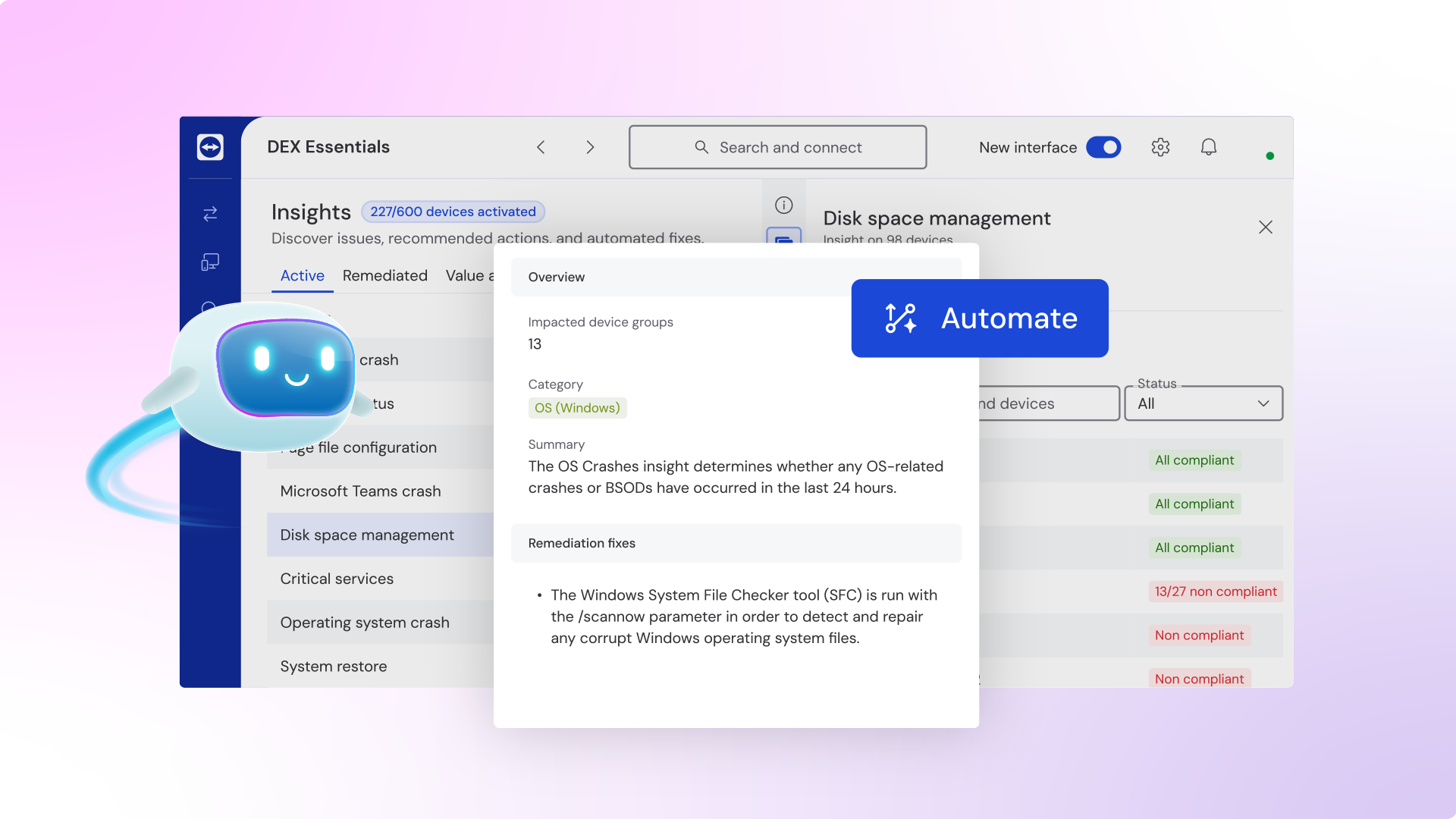
TeamViewer ONE UI 3
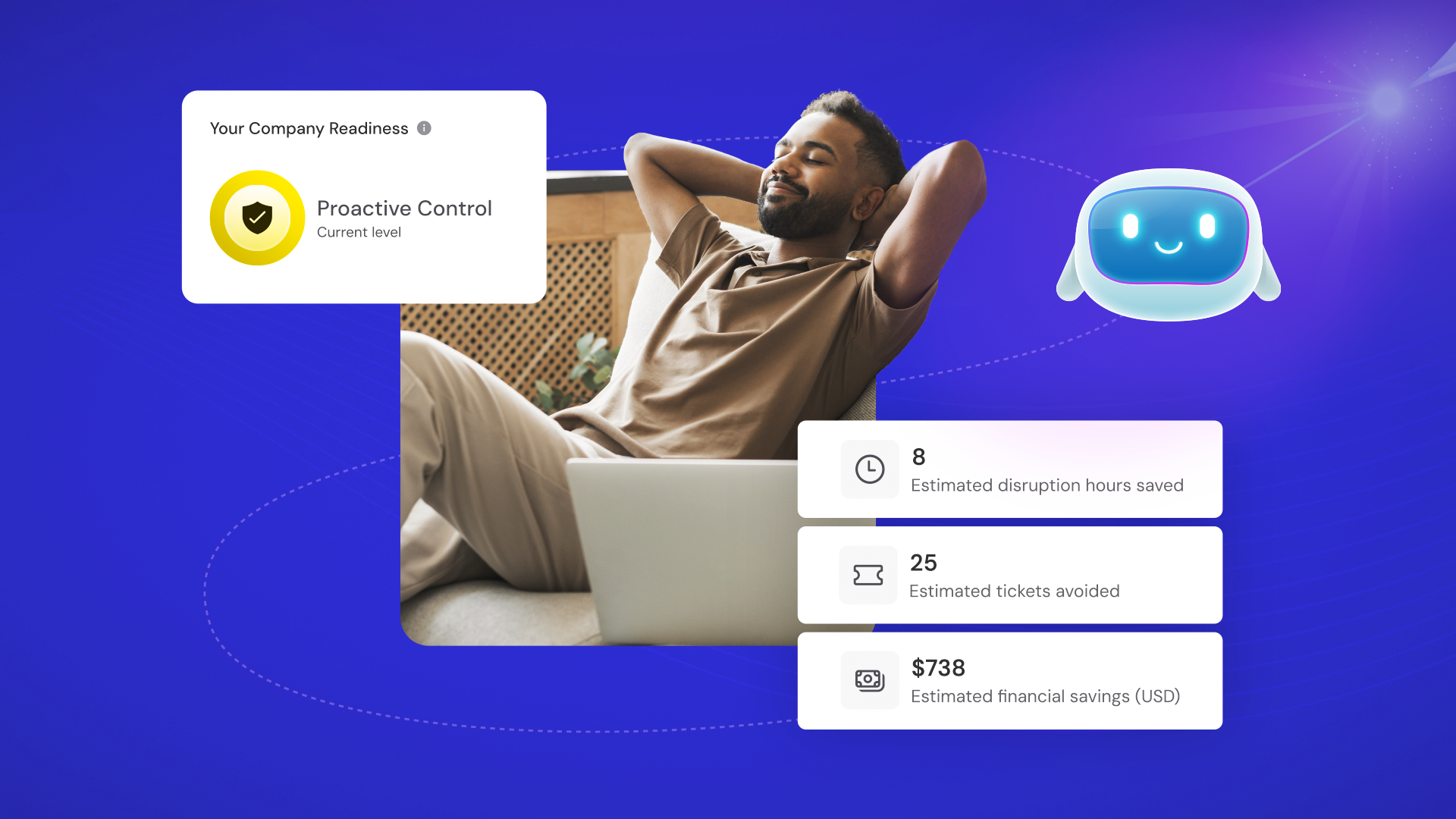
TeamViewer ONE
TeamViewer ONE
TeamViewer ONE Reviews
Kathy J.
- Role: Information Technology
- Industry: Energy
- Involvement: End User of Application
Submitted Feb 2023
Boost Your Digital Experience with TeamViewer
Likeliness to Recommend
What differentiates TeamViewer ONE from other similar products?
TeamViewer Remote Management has exceptional capabilities that allows us to access our computers from one platform. TeamViewer Remote Management is easy to use, making it a great tool.
What is your favorite aspect of this product?
The features of TeamViewer Remote Management are simple to understand. It is also easy to connect computers using TeamViewer Remote Management. TeamViewer Remote Management is also affordable to use.
What do you dislike most about this product?
TeamViewer Remote Management has friendly and flawless features. No challenges experienced when using TeamViewer Remote Management.
What recommendations would you give to someone considering this product?
TeamViewer Remote Management is highly recommendable. It will improve collaboration and digital experience in your company.
Pros
- Helps Innovate
- Continually Improving Product
- Reliable
- Performance Enhancing
Please tell us why you think this review should be flagged.

Daniel M.
- Role: Information Technology
- Industry: Finance
- Involvement: Business Leader or Manager
Submitted Feb 2023
Awesome product. One of my favorite tools.
Likeliness to Recommend
What differentiates TeamViewer ONE from other similar products?
It has a broad feature set and very reliable.
What is your favorite aspect of this product?
Remote management
What do you dislike most about this product?
There's not really anything I dislike.
What recommendations would you give to someone considering this product?
Just use it! It's awesome.
Pros
- Reliable
- Enables Productivity
- Unique Features
- Effective Service
Please tell us why you think this review should be flagged.

Orpha H.
- Role: Information Technology
- Industry: Banking
- Involvement: End User of Application
Submitted Jan 2023
Used for remote mounting of the IT support
Likeliness to Recommend
What differentiates TeamViewer ONE from other similar products?
In the case of a malfunction or problems using a personal computer, it was possible to eliminate the work of contacting the support department and coming on-site to have it operated and the screen checked. I could access it from the internal network by looking up the individual number and explaining it directly. Although I did not have to operate it myself, I could have the specialized department work it remotely. As a result, responses to unknown errors and the exchange of information are also organized quickly.
What is your favorite aspect of this product?
Departments in specialized fields can remotely operate the initial configuration of newly introduced applications, and the introduction of applications was carried out efficiently. The technology to traverse the network without IP address or detailed information is terrific. So far, I've been using remote access software, but it's nice that it requires no configuration and can be installed quickly. Also, the best thing is choosing any operating system or device.
What do you dislike most about this product?
Since this application is resident, the icon is always displayed. If you do not understand the contents of this application and accidentally close it manually, you will not be able to provide remote support.
What recommendations would you give to someone considering this product?
Now PC-related problems can be solved quickly when the other party is away. Previously, I'd get explanations over the phone while looking at the situation and screen, and sometimes things didn't go as planned. It was a remote location, so there was a time and distance issue. Support was available without traveling to the site, which made it cost and time effective. We reduced IT support and response time to PC issues by offering remote support without sending a dedicated support team to multiple on-site.
Pros
- Helps Innovate
- Continually Improving Product
- Reliable
- Performance Enhancing
Please tell us why you think this review should be flagged.





Get Instant Access<br>to this Report
Get Instant Access
to this Report
Unlock your first report with just a business email. Register to access our entire library.
© 2026 SoftwareReviews.com. All rights reserved.
